User Guide
For detail of settings, see installation notes.
The default configuration helps you manage orders according to how confident you can be in getting your money.
Where card payments are flagged for futher checking, this is indicated by the order's status.
Where there is a clearance period during which the payment could be cancelled by the payer's bank, this is shown with another status.
Technical Guide
Authentication / Authorization Paradigm
1. Basic authentication with an API key as user in the header.
2. Two types of key - Publishable for use from the browser and Secret for full API access from server
Trusted Frame Flow
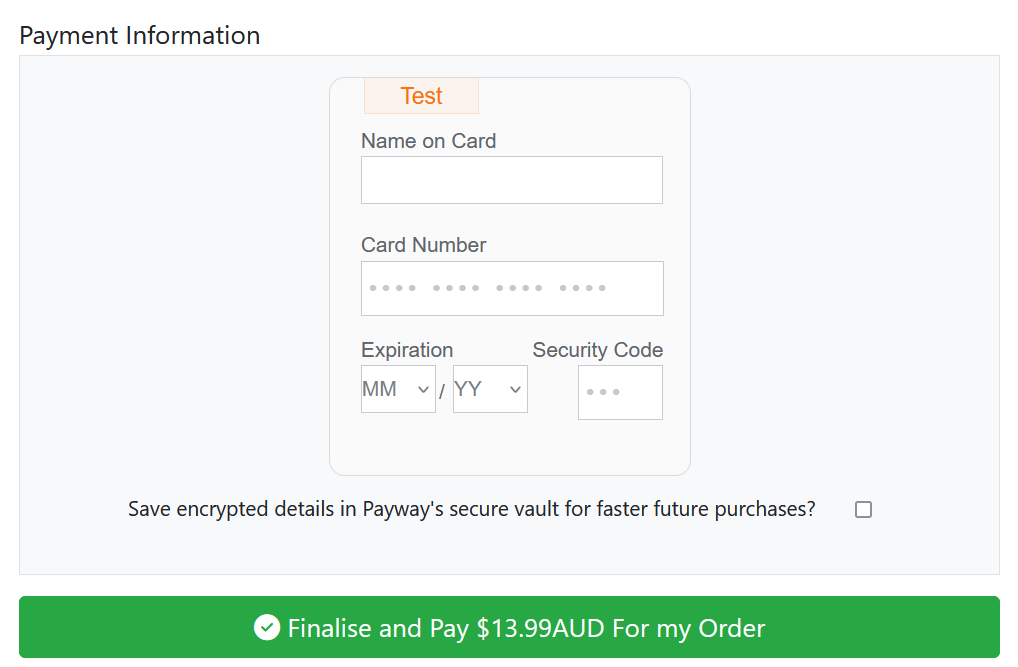
1. Web page uses payway.js with publishable key to create a Payway iframe for card details or bank account details
2. iframe sends card details securely to Payway and returns a single use token to the form
3. site uses single use token to take card payment or create customer in vault (for bank debits or quicker future card payments)
Reponse codes for card transactions
https://www.payway.com.au/docs/credit-card-response-codes.html
accepted payments
00 Approved or completed successfully (valid card number, not reported stolen, sufficient funds)
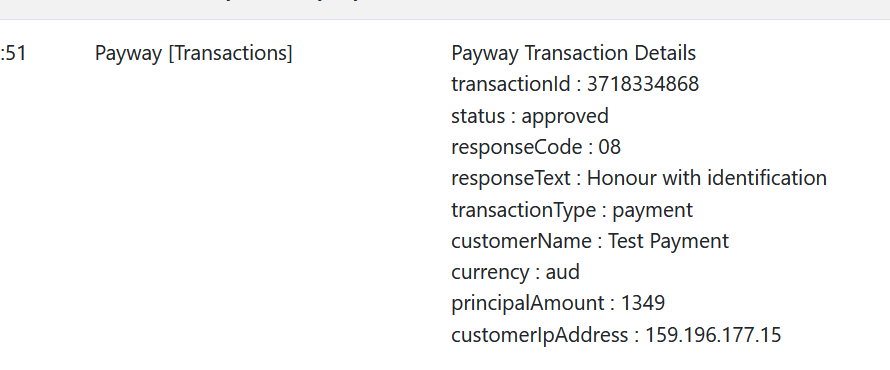
08 Honour with identification (valid card number, not reported stolen, sufficient funds)
declined or errors
01 Refer to card issuer (suspected fraud, insufficient funds, stolen, expired, invalid CVN, not for merchant business type)
03 Invalid merchant (problem with merchant account setup or card type not accepted)
04 Pickup card (card reported stolen, you're supposed to keep it)
05 Do not honour (generic error from issuer - suspected fraud, insufficient funds, stolen, expired, invalid cvn etc)
12 Invalid transaction
14 Invalid card number (no such number)
17 Customer cancellation
22 Suspected malfunction
34 Suspected fraud
etc...
Response codes for bank debit attempts
G "WBC Exception Processing released successfully" - means it worked
2 Payment Stopped
3 Account Closed
5 No Account/Incorrect Account
6 Refer to Customer Contact
9 Other