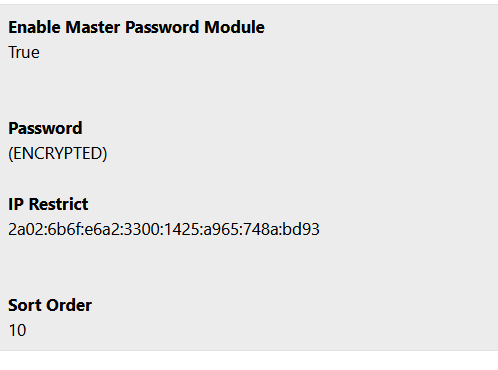
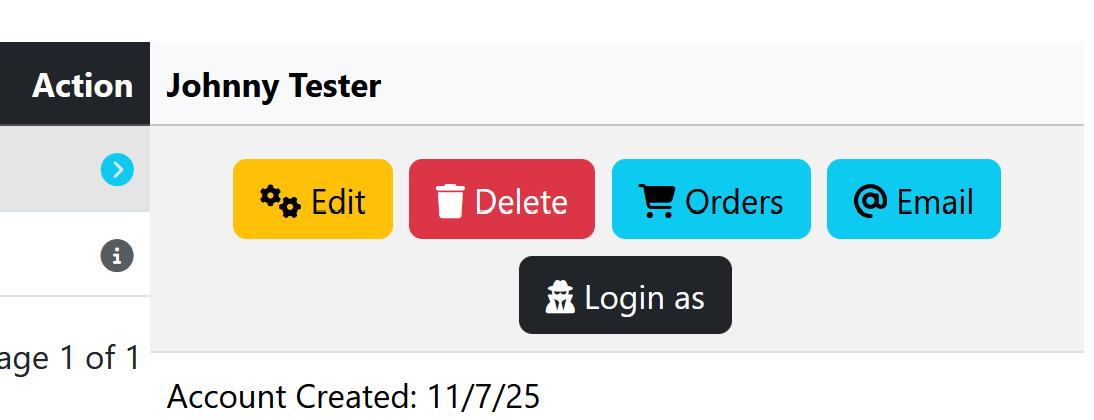
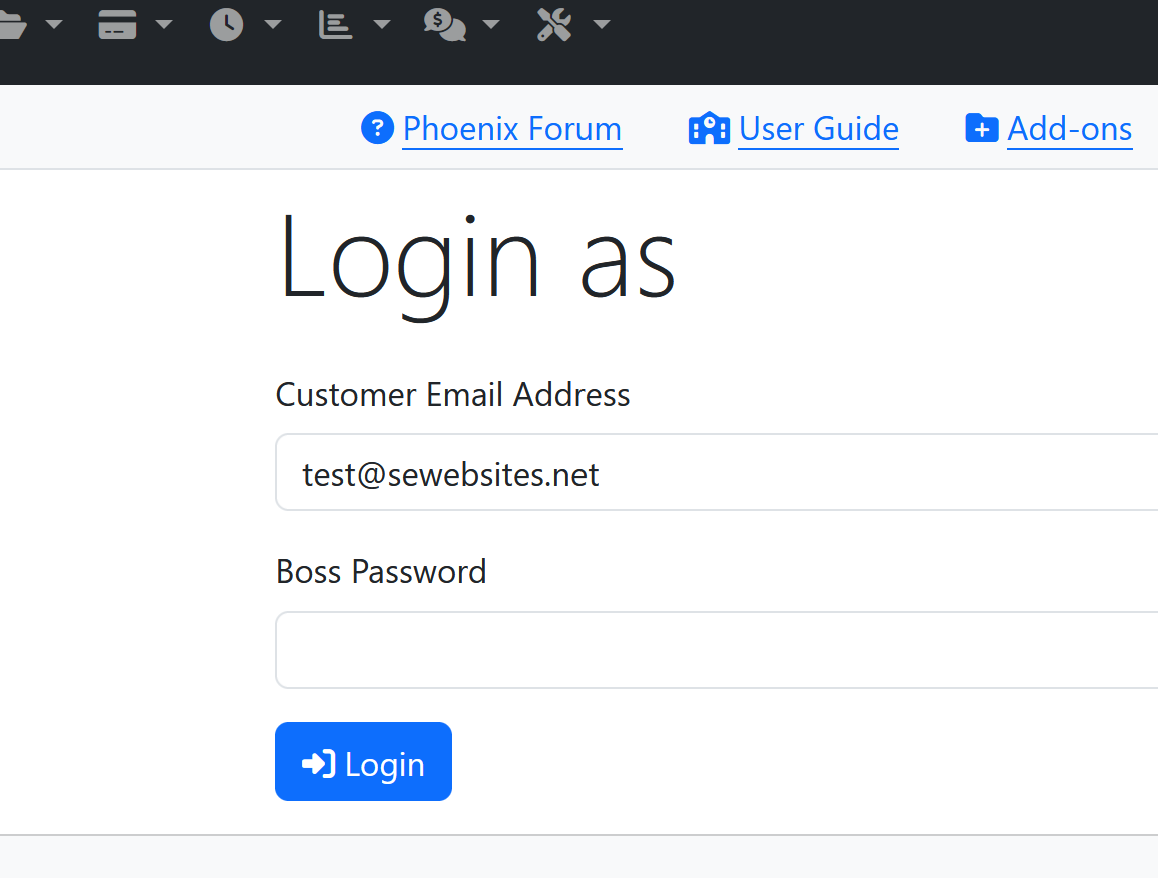
In the module settings, set the Master Password. If you come back to the settings later after saving them, e.g. to add another IP address, you don't need to retype the password as the page detects whether you have changed the field.
Set the IP restriction - your current IP is displayed above for convenience. For a list of IPs, separate them with a comma (and no space).
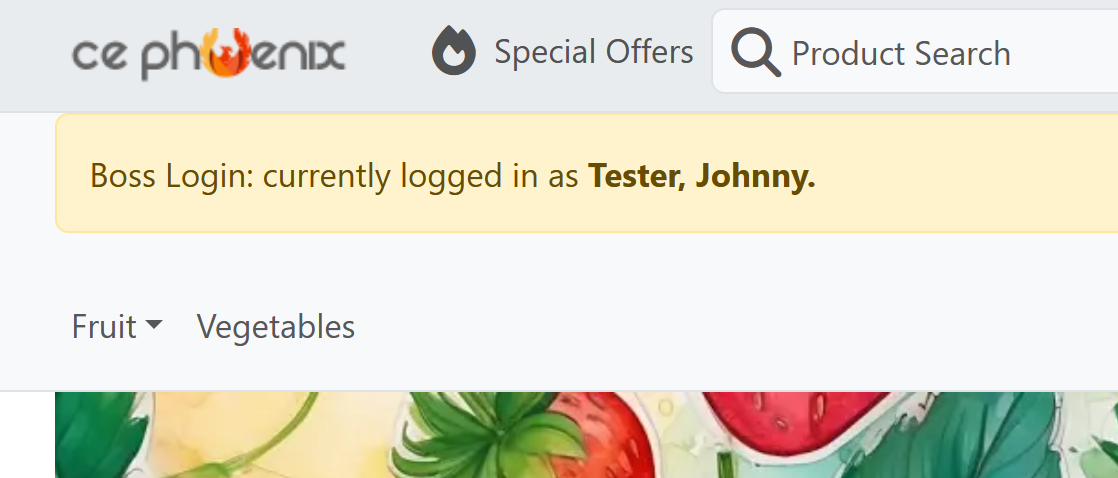
If the display message setting is set to True, this will show a message on each page load confirming the customer who is logged in.
A session variable is set storing the login type, so that you can make additional functionality available to the admin logged as the customer.