Australia Post Shipping Module User Guide
If you haven't already registered to get an API key, now's the time!
Settings Overview
Package dimensions are needed to get a quote and you should set up a typical size. There are no product dimensions in core Phoenix so there's no basis for a standard calculation but a hook is provided if your store can figure out the required package dimensions for a particular order.
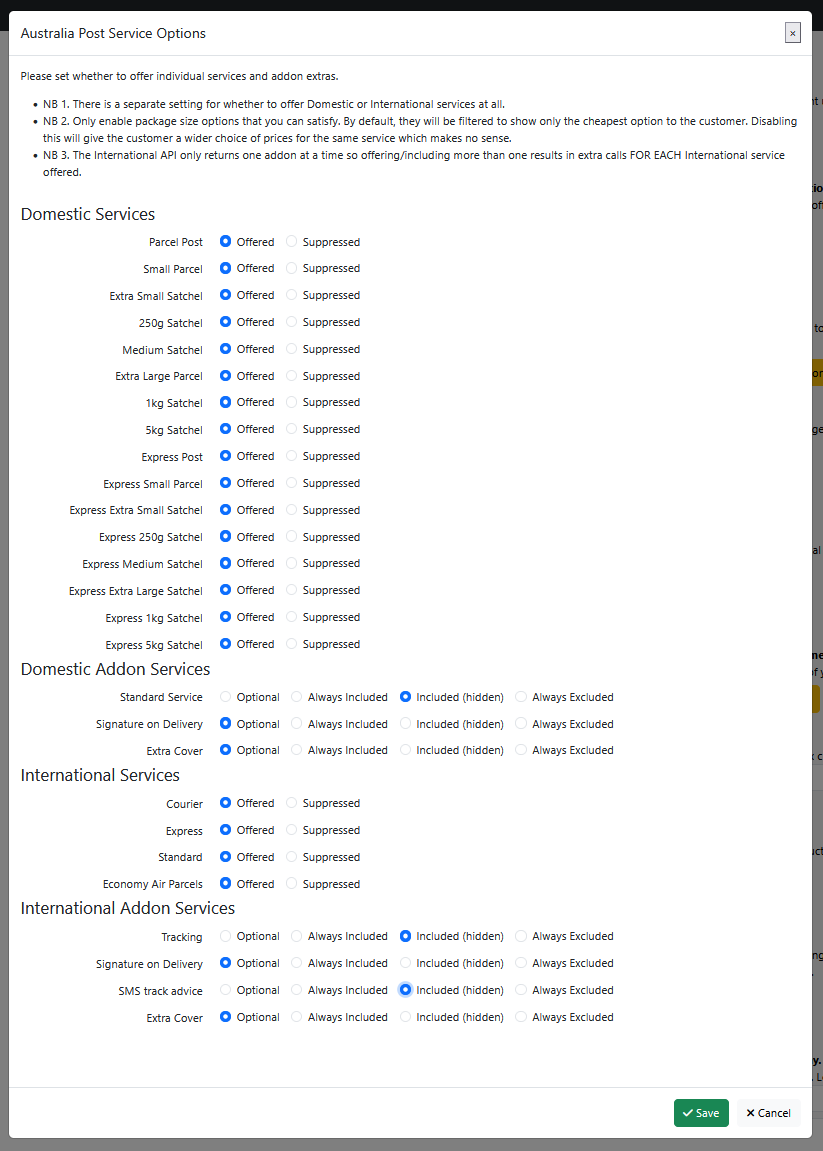
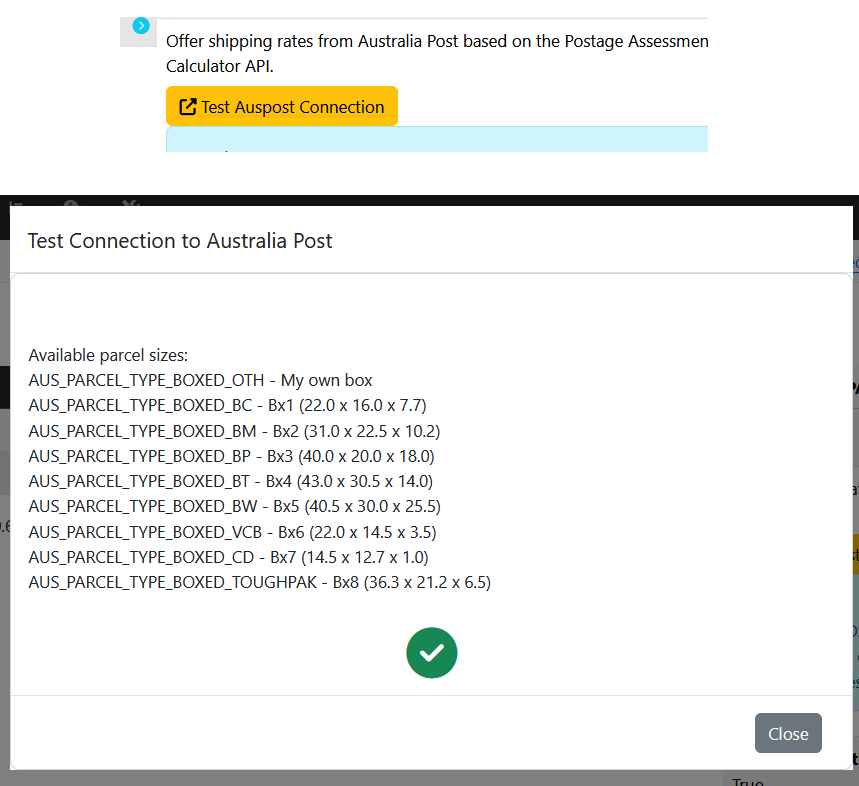
Unfiltered, the Australia Post API will return a lot of different options for the same service based on different package sizes. It is both confusing and pointless to present this choice to your customers! First, shorten the list to those which are appropriate (e.g. suppress satchels if you don't buy them). Then by default the module will filter them further and only present the cheapest option for each service (separated by whether guaranteed or not). You can turn this filtering off if you prefer.
Smart split takes into account the individual product weights when calculating the number of packages. In a simple example, shipping 3 products at 11kg each with a 20kg maximum per package will come out with 3 instead of 2. You can also turn this off if preferred.
Settings - Selected Details
Show Boxes and Show Weight
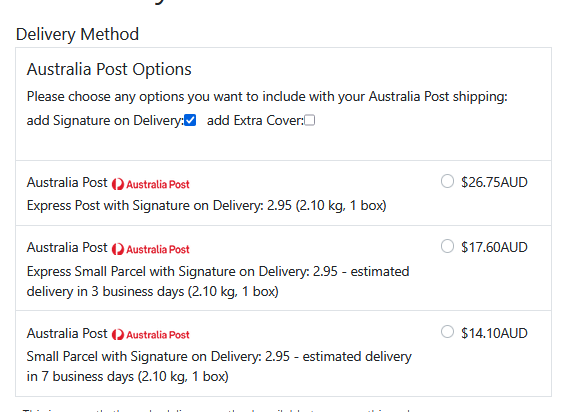
These two settings let you decide whether to display the number of packages and the total weight (in kg) to the customer in the quote.
Domestic / International
Select whether to offer domestic services, international services or both. This takes precedence over the individual service settings so you don't have to unset all the international services if you don't want to ship international orders by Australia Post.
Services & Addons
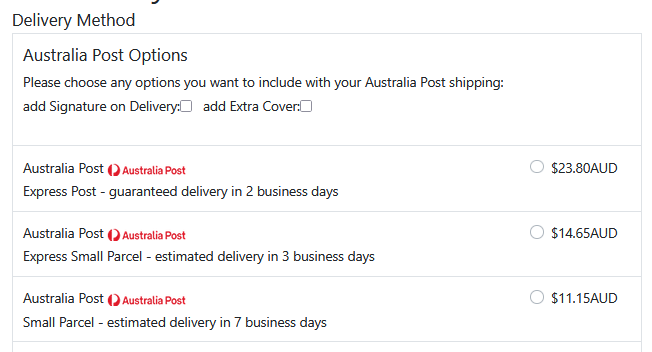
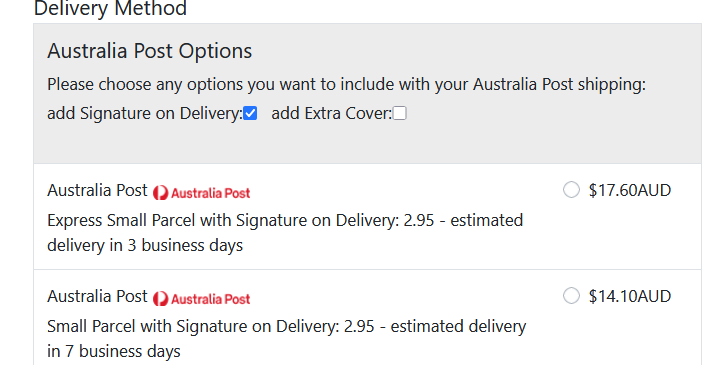
For the services themselves, you can choose whether they are offered or suppressed. They are only offered if the api returns a quote for them for this order. For the addons you can choose between:
- optional - the customer can check a box to include them
- always included - there is no choice and they are displayed in the quote
- included (hidden) - there is no choice and they are not displayed, just included in the price
- always excluded - not used in your customers' quotes
NB the api for international quotes only takes one addon at a time, so the module has to make up to four calls for each service and then add the quote elements together. If you enable all internation services and addons that's 16 api calls which could take a while!
Filter Services
When enabled, this tells the module to simplify the choice offered to the customer and only offer the cheapest quote for each service as shown in the description.
Display Transit Times
Where the Australia Post API returns them (i.e. domestic services) the delivery timescale can be displayed, along with whether it's estimated or guaranteed. The figure is parsed from the API return and if a handling time is configured, it is added.
Add Handling Time
The handling time to be added to the delivery time for display to the customer. The module does not currently support a cut-off time for same day processing; if you need it adding please let me know.
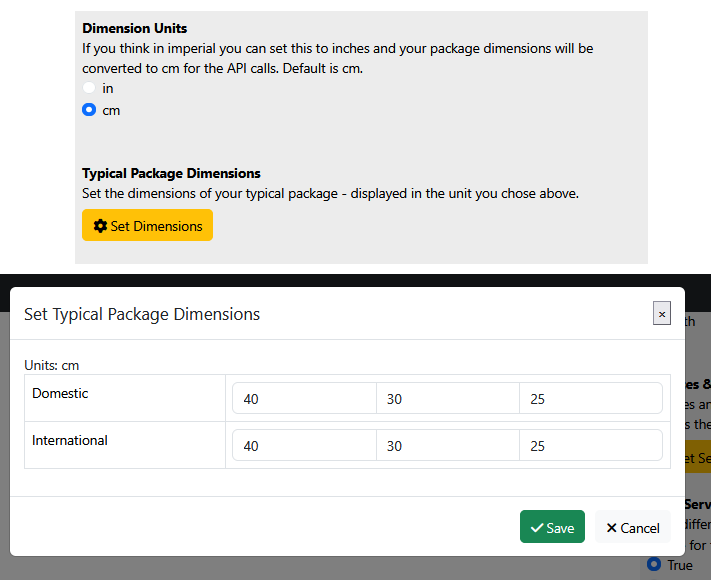
Dimension Units
Auspost always wants sizes in cm, but if you can only think in imperial you can change this to inches and the dimension settings will be presented in inches and converted automatically.
Weight Units
The Auspost API always needs weight in kg. The weight limits in the module are also coded as kg.
If the weight values on your products are not in kg, change this setting to match and order and product weights are converted automatically in the module.
NB the weights in your shipping/packaging settings need to be in the same units as your products.
Typical Package Dimensions
Set the dimensions of a typical package to be used in domestic and international quotes - in cm or inches depending on the units you chose. If your site is clever enough to be able to figure out the dimensions required for a particular order, there is a hook that you can implement to plug that into the module's quotes without changing the code and getting problems with updates.