User Guide
Settings Overview
API Login ID, API Transaction Key and SHA Hash should be copied from your Authorize.net account settings - see installation instructions.
Transaction method can be set to Authorise (in which case you need to capture the transaction manually in your Authorize.net account) or Capture which takes your customer's money automatically.
There are three order status settings - a fully successful payment leads to Order Status, while if your Authorize.net account settings allow it to pass, a payment where some of the security details don't match leads to the Review Order Status. A record of the payment details is recorded in the order status history with the status Transaction Order Status.
Merchant Name on Statement allows you to set the company name that appears on your customers' statements in case your Store Name is not suitable for the purpose.
Transaction Server switches between Authorize.net's Production and Sandbox environments.
Transaction Mode lets you send a test transaction in the Production environment (with a real card but no money taken). Test transactions are not available in the Sandbox and will result in an error.
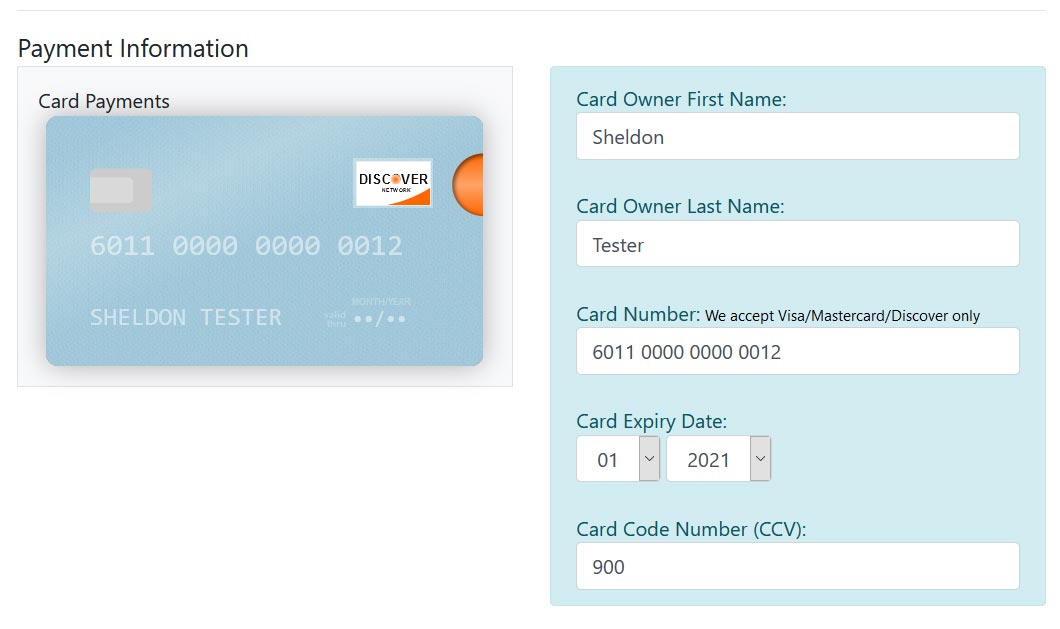
Set Cart Types Accepted to match the card types from which your Authorize.net account will accept payments. This drives the validation on the card details form so that it won't submit an unacceptable type along with a prompt to the customer to help them choose another card.